
side A, track 1 · FM-8

Foldman

Close the lid. Press play.

Foldman turns a book-style foldable into a pocket cassette player. No songs come in the box: open the phone to pick a tape from music you own. Shut it, and the cover screen becomes the deck.

Free. The Google Play Store version is coming soon; until then, install the APK by hand. Needs Android 8.0 or newer on a book-style foldable, tuned first for the Galaxy Z Fold 8. On a phone that doesn't fold, you only get the closed deck.

No personal data
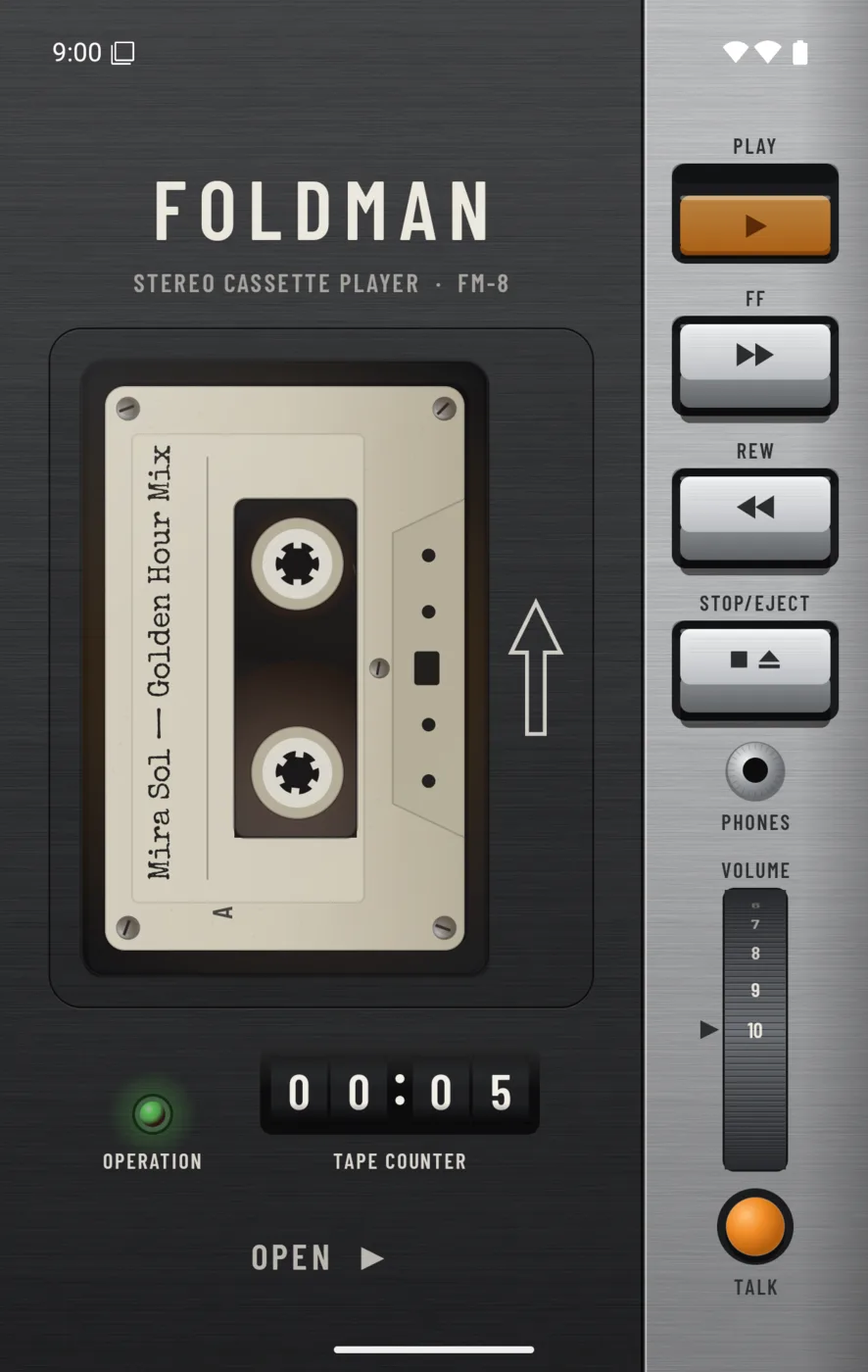
Foldman's cover screen: a cream cassette labelled Mira Sol, Golden Hour Mix playing in a graphite deck, with PLAY, FF, REW and STOP/EJECT piano keys on a silver rail, a tape counter and a volume wheel.
The Foldman app icon: a cream cassette on charcoal with an orange dot.
try it: fold the doodle

The hinge is the switch

How far the phone is open decides what you're holding. Like a real Walkman, the tape only runs with the door shut.

door open. close the lid to play

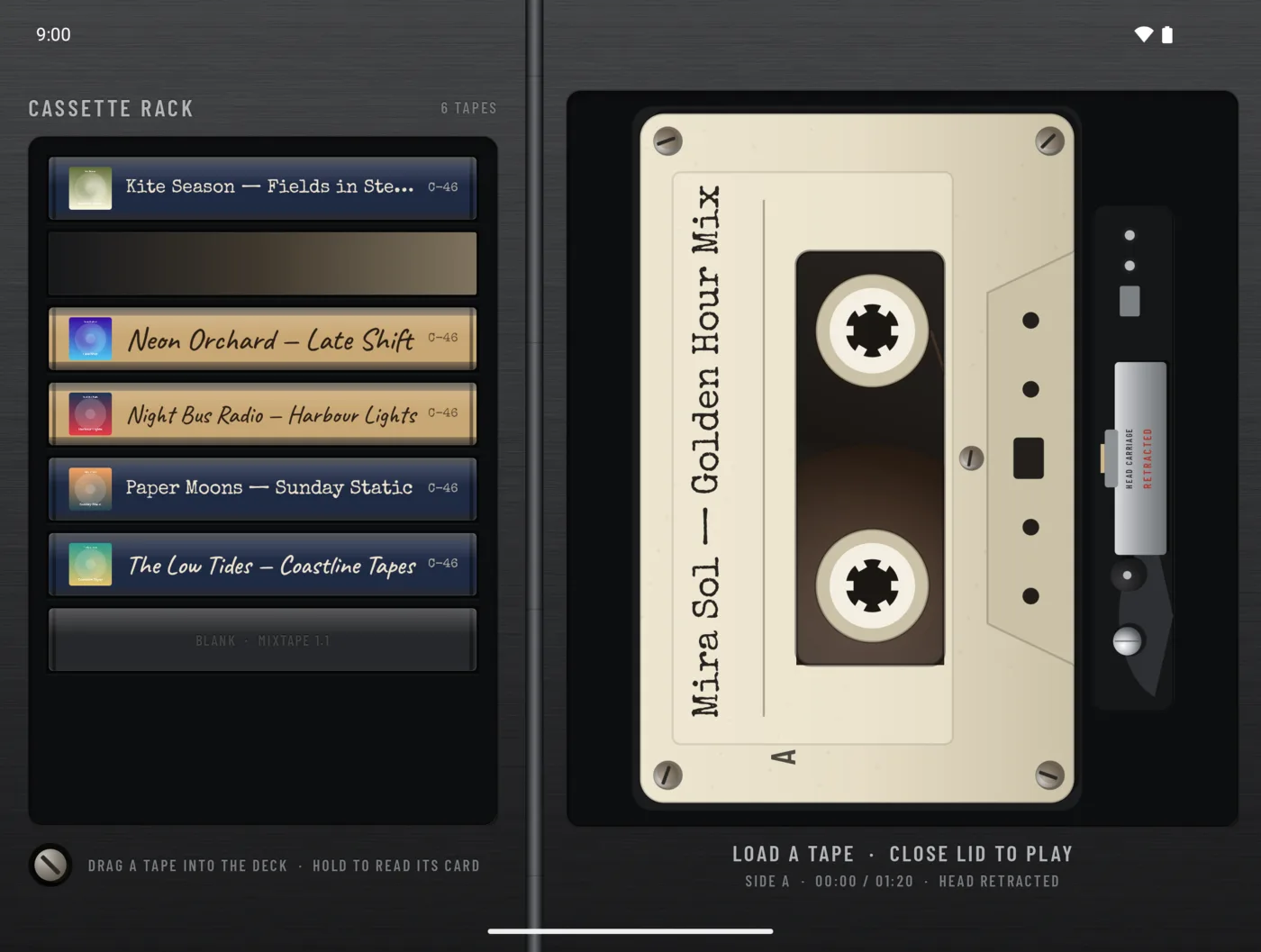
Inner screen, phone open: the cassette rack on the left and a cream tape loaded in the deck on the right, with the hint load a tape, close lid to play.

Open: the cassette door flat, 180°

Your albums stand in a rack as tapes. Drag one into the deck, hold one to read its card, write its label, or put it on the bench and wind it by hand.

What's on this tape

Liner notes. Recorded at home for book-style foldables.

Side A
  1. Every album is a tapeFrom all the music on your phone, or only the folders you choose. Foldman reads tags and cover art.
  2. Write the labelSet the artist and album on each cassette, in handwriting or typewriter, Thai included.
  3. Tapes keep their placePull one out halfway through side B and it's still there next time.
  4. Auto reverseLet side A roll into side B, or flip the tape yourself.
Side B
  1. Tapes wear inTurn on tape wear and favourites yellow, pick up scratches and gather dirt you can rub off.
  2. Wind it by handPut a finger in a hub and turn, or flick it and let it spin until the tape goes tight.
  3. Chill a stretched tapePlayed one too often? Give it a rest on the bench.
  4. Keys that clackEvery key has its own mechanical sound and a bump of haptics. Turn them off in the hatch.

hidden track: lock screen and notification controls, and a home screen widget with the loaded tape.

house rules

No songs in the box

Foldman doesn't come with any songs. You should own your songs.

Bring music files that are yours: CD rips, albums bought as downloads, your band's demos, a friend's mixtape. Copy them to the phone and every album becomes a tape on the rack.

How to add your music

Why not Spotify, YouTube or YouTube Music?

Because a cassette deck needs full control of the machine. We want you to remember the 90s, when music meant:

  • switching between cassettes to change albums
  • rewinding a tape by hand, with your finger
  • putting a stretched tape in the fridge

Songs from streaming apps stay locked inside those apps, even when you download them. A player sitting on top of another player could only press its buttons. It couldn't give you that retro vibe.

tracks 2, 5 and 6, live on the bench

Put a tape on the bench

In Foldman you write your own labels, tapes you love wear in, and you can wind them with a finger. Here's a paper one to practise on.

A cassette on the bench. Its label, wear, dirt and reels change with the controls next to it. A C-90 Mira Sol — Golden Hour Mix

Thai works too. Try พิมพ์ไทย.

fresh from the shop

no dirt yet. turn up the wear

Wind it by hand

Put a finger in a hub and turn, or flick it and let it spin until the tape goes tight. With a keyboard, focus a hub and use the arrow keys.

0% wound onto the right reel

Snaps from the session

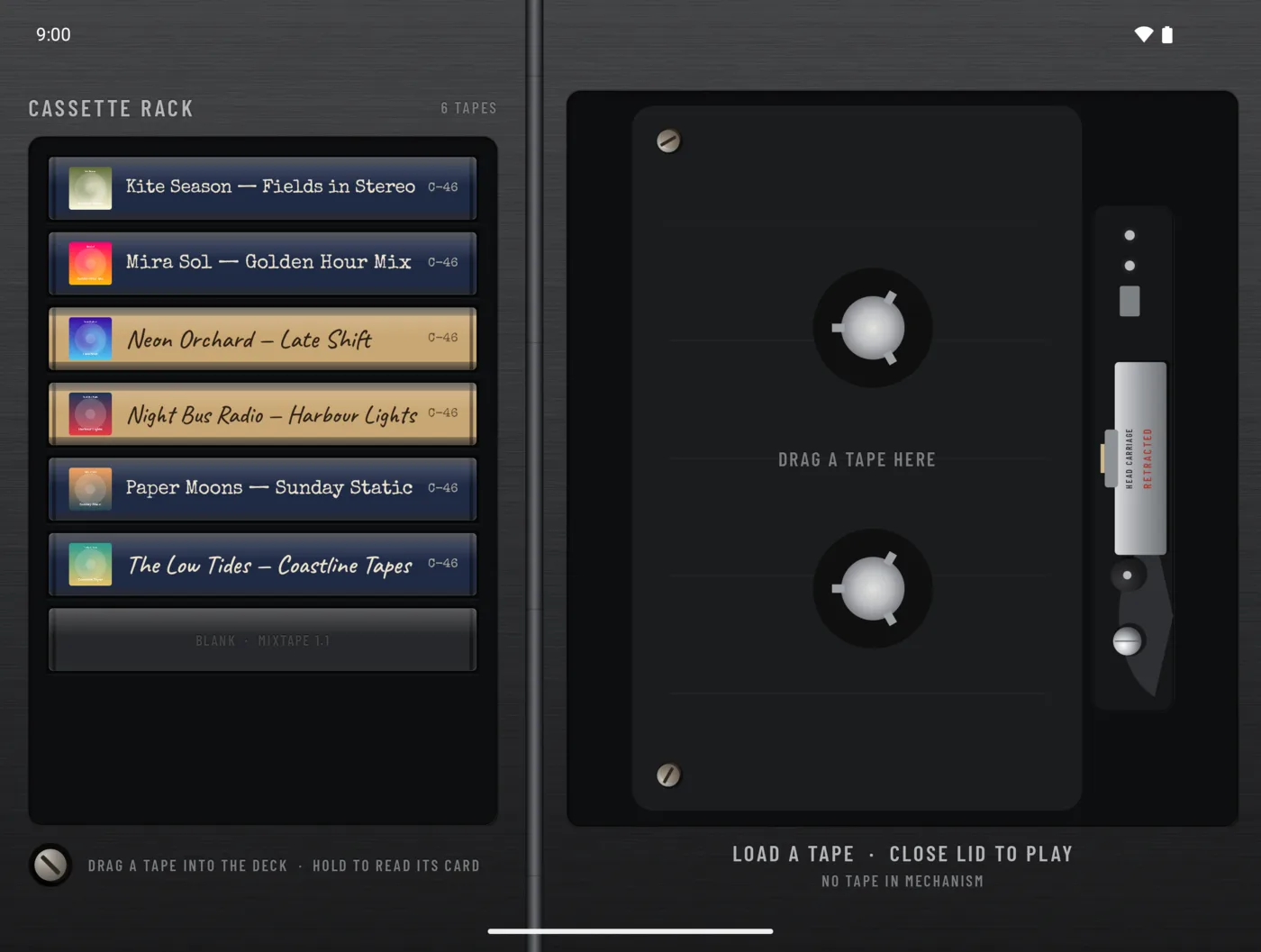
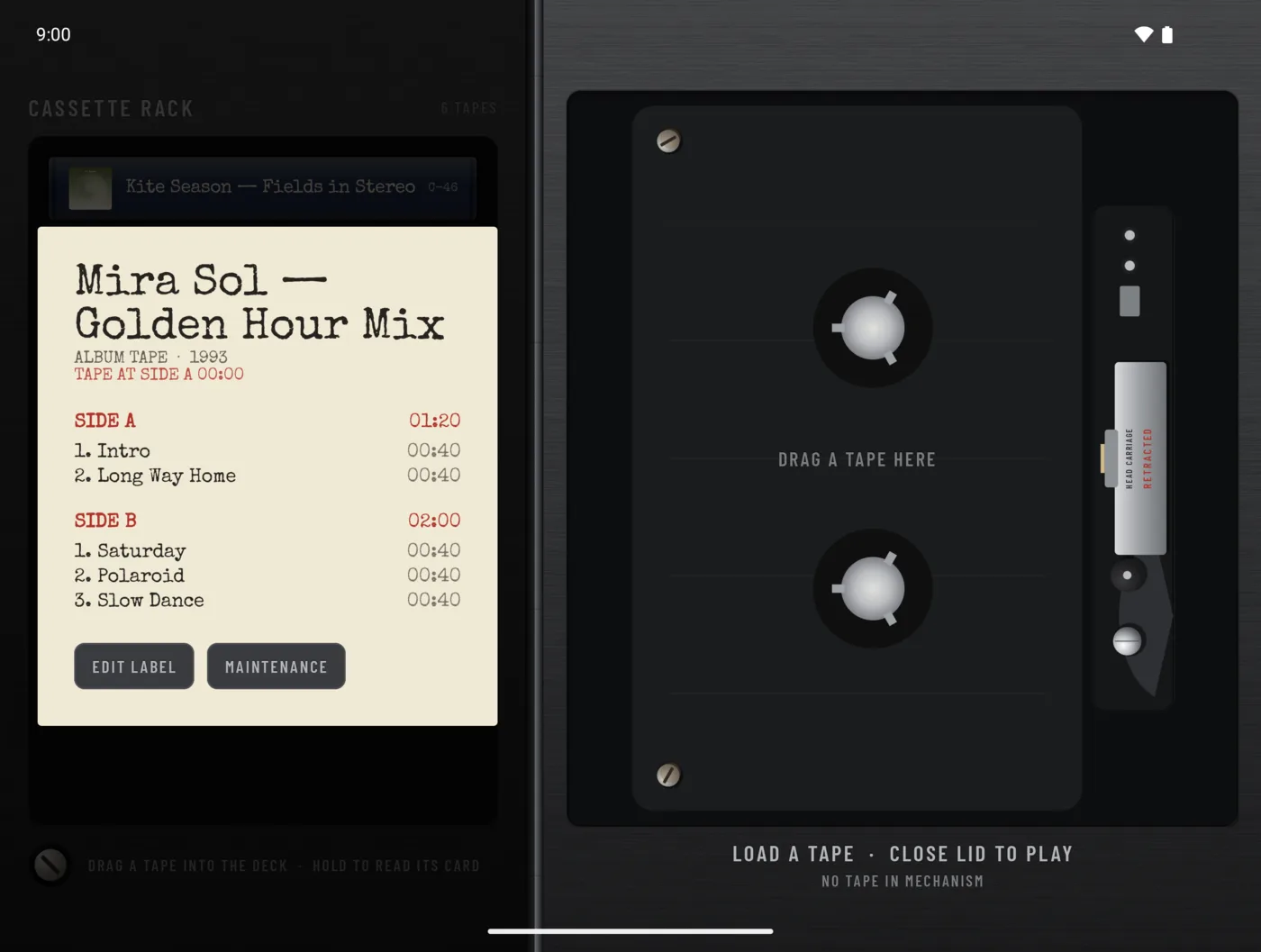
Inner screen: a cassette rack of six labelled tapes beside an empty deck that says drag a tape here.
albums stand in a rack as tapes. drag one into the empty deck
A tape's J-card opened over the rack, listing side A and side B tracks, with Edit label and Maintenance buttons.
hold a tape to read its card
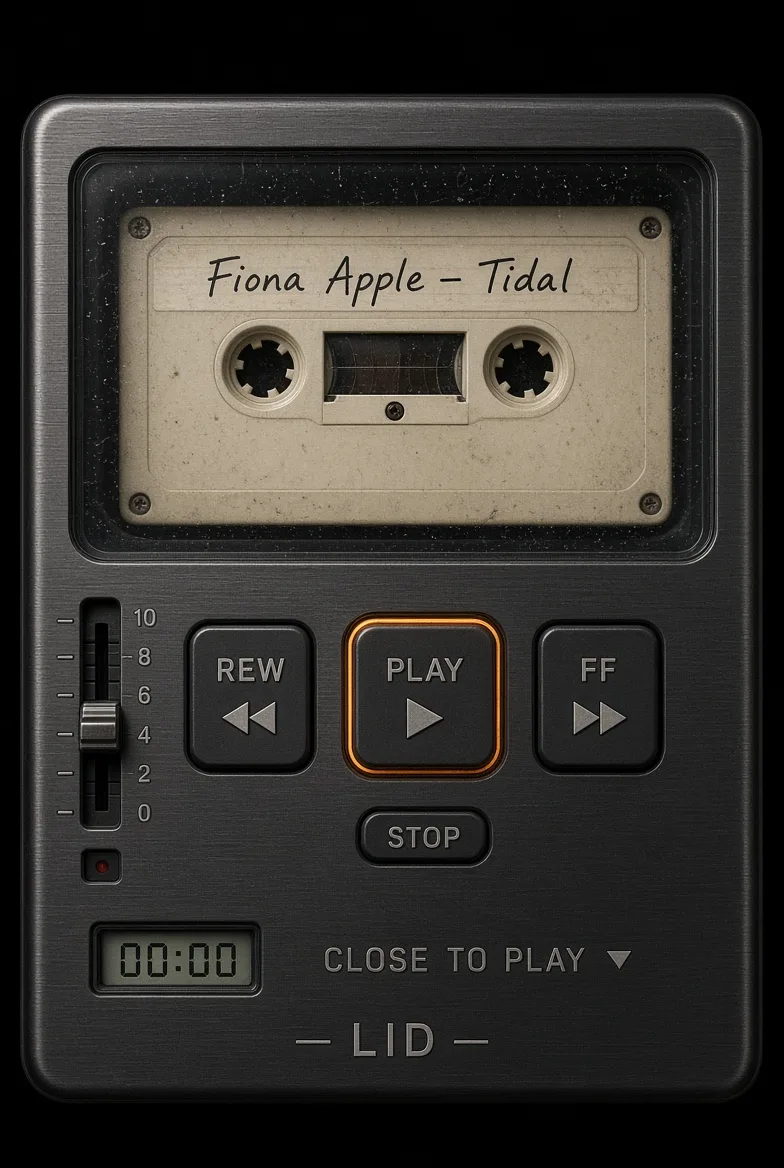
An early spec render of the cover screen: a cassette labelled Fiona Apple, Tidal behind a window, REW, PLAY and FF keys, a volume slider and the words close to play, LID.
early spec render. working title: LID
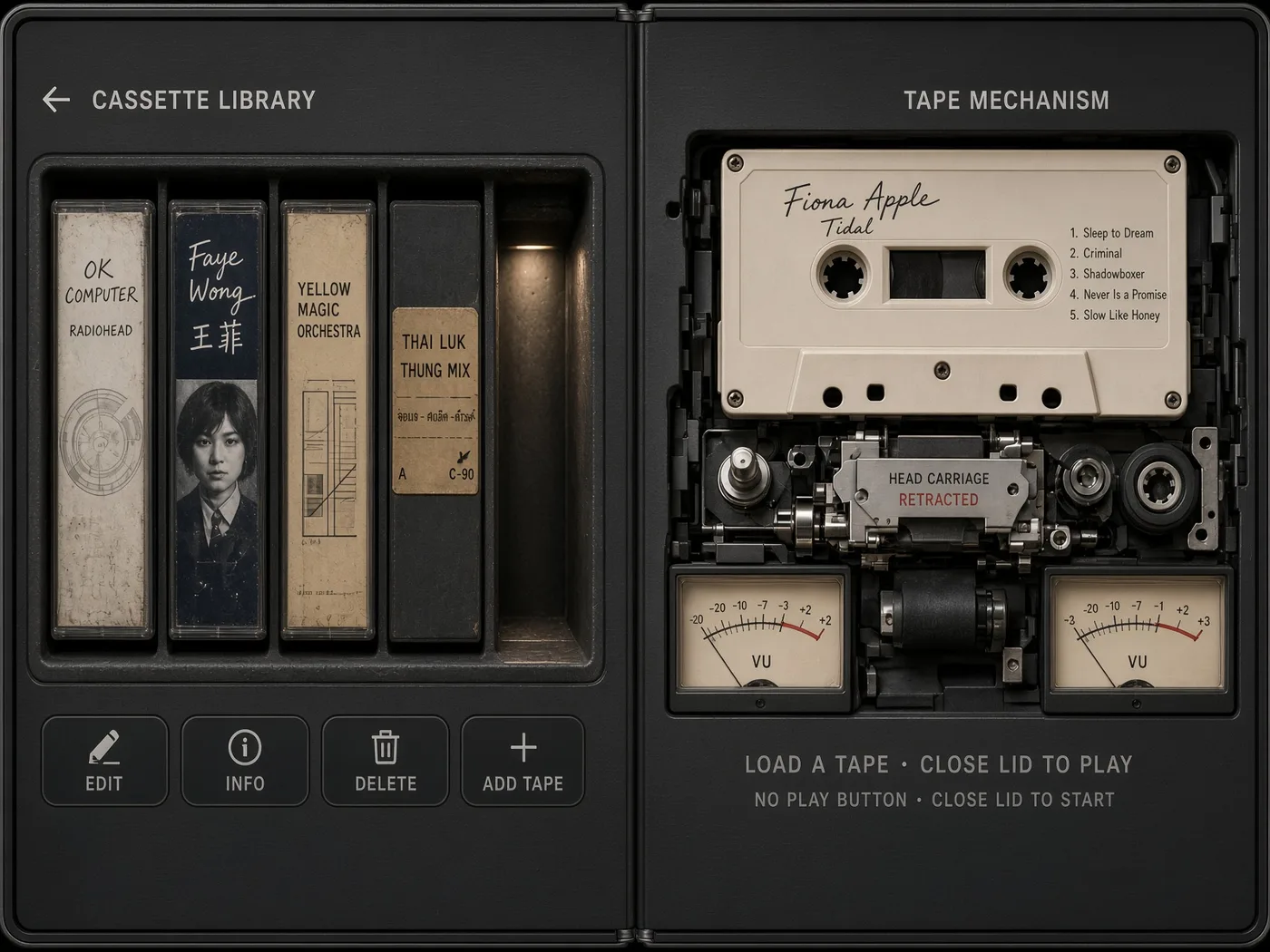
A spec render of the inner screen: a cassette library shelf on the left and the tape mechanism with two VU meters on the right.
spec render: library on the left, mechanism on the right
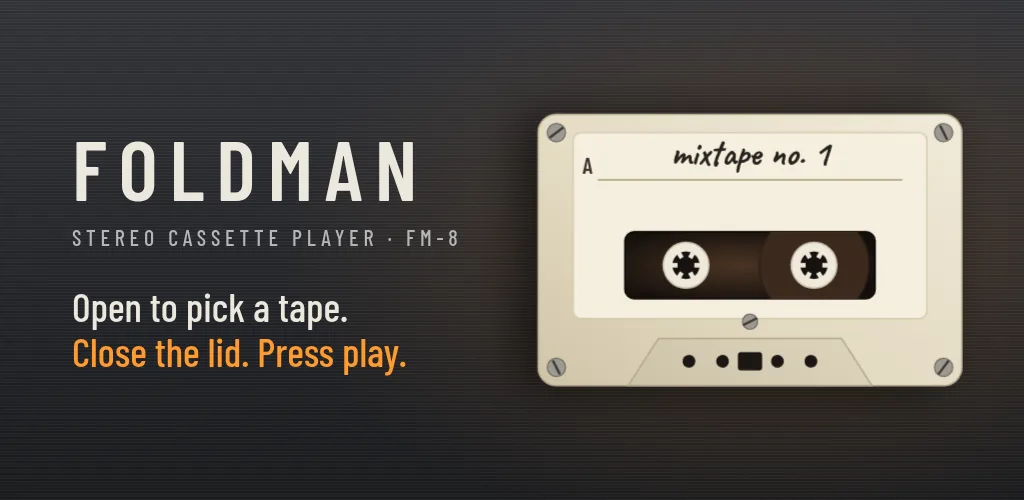
Foldman store graphic: the FOLDMAN wordmark, Stereo cassette player FM-8, open to pick a tape, close the lid, press play, and a cream cassette labelled mixtape no. 1.
the flyer. pin it up somewherehover a xerox to see it in colour
the boring bit, made short

Install it by hand

Foldman isn't on Google Play yet, so Android asks a few extra questions the first time. Do this on the foldable itself; it takes about two minutes.

  1. Download the APK

    Open this page on the phone and tap Download the APK. If Chrome or Samsung Internet warns that the file might be harmful, choose Download anyway. Any APK gets that warning.

  2. Open the file

    Tap the finished download in the notification, or open My Files, then Downloads, and tap foldman-1.0.apk.

  3. Let your browser install apps

    Android says it isn't allowed to install unknown apps from this source. Tap Settings, turn on Allow from this source, then go back. You only do this once for each app you install from, like Chrome or My Files.

  4. Tap Install

    If Play Protect says it doesn't recognise the app, tap More details, then Install anyway. It hasn't seen Foldman before because Foldman isn't on Google Play.

  5. Open Foldman and allow music access

    Allow access to music and audio so your albums can fill the rack (see Add your music), and allow notifications so the playing tape shows on the lock screen.

  6. Let it continue on the cover screen

    So the deck appears when you close the phone: on a Galaxy, open Settings › Display › Continue apps on cover screen and turn on Foldman. On a Pixel, set the same option to Always. Foldman offers to take you there the first time.

If something goes wrong

Galaxy says the app was blocked by Auto Blocker

Auto Blocker only allows apps from Galaxy Store and Google Play. Turn it off in Settings › Security and privacy › Auto Blocker, install Foldman, then turn it back on. Foldman keeps working with Auto Blocker on.

“App not installed”

Most often an older Foldman signed with a different key, such as a test build, is already on the phone. Uninstall it and install again. It can also mean the phone is out of storage.

“There was a problem parsing the package”

The download didn't finish. Delete the file from Downloads and download it again on a steady connection.

Closing the phone doesn't bring up the deck

Continue apps on cover screen is off for Foldman. Turn it on as in step 6. Without it, Android locks the phone when you close it instead of handing Foldman to the cover screen.

Should I turn Allow from this source back off?

You can. It only matters while installing, and Foldman keeps running either way. You'll be asked again when you install an update.

Still stuck?

Write to the studio, or email hello@appxygen.com. Say which phone you have and what the screen says.

feed the rack

Add your music

Foldman doesn't come with any songs. It plays music files you own, on the phone, and every album becomes a tape.

  1. Put music files on the phone

    Copy them from a computer with a USB cable into the phone's Music folder, send them with Quick Share, or download them. Any folder works, but Music keeps things tidy.

  2. Open Foldman

    It finds all the music on the phone by itself. Songs from the same album go on one tape, split into side A and side B, with the album's artist, title and cover art from the song tags. Songs without tags still work: they take the name of their folder as the album.

  3. Choose folders, if you like

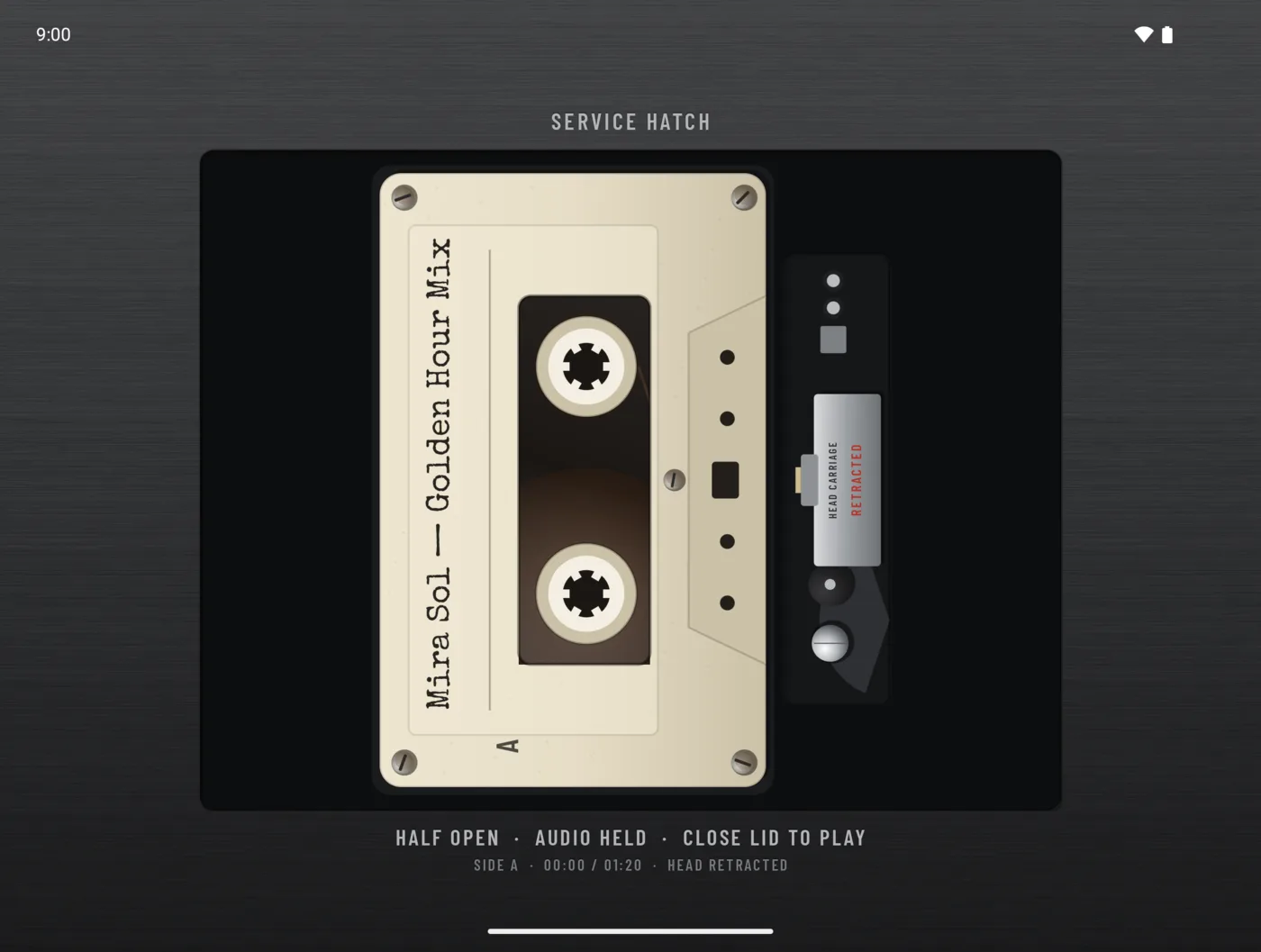
    To show only some of your music, tap the screw button at the bottom left of the rack to open the service hatch, then MUSIC FOLDERS › ADD FOLDER and pick a folder. Foldman also looks inside its subfolders. Add as many folders as you want.

  4. Added new songs?

    If they don't show up, open the service hatch and tap RESCAN.

  5. Fix a label

    Hold a tape to read its card, then edit the artist and album on the label. It doesn't change your files.

Your music stays on your phone

Foldman plays the audio files already on your phone. Your music, labels and folders never leave it. Foldman only sends anonymous counts, like how often the lid is folded, so we know what to improve. Switch them off in the service hatch any time.

  • No personal data
  • No accounts
  • No ads
  • No tracking

Read the privacy policy. It's short.

credits, where they belong

Where the idea came from

Foldman is inspired by Duo-Man, the Walkman app that indie developer Vidit Bhargava made for the iPhone Duo. Opening the phone to pick a tape and closing it to play is his idea, and the credit for it is his.

We couldn't afford an iPhone Duo, so we built our own take on it for the Galaxy Z Fold 8, and named iPhone Duo and Duo-Man in the very first post about Foldman.
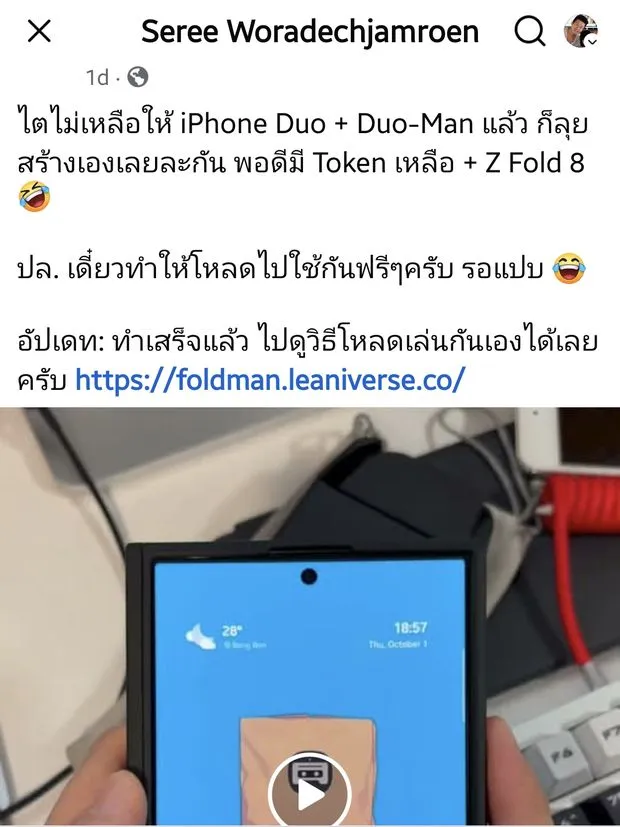
Facebook post by Seree Woradechjamroen, in Thai: no kidney left for an iPhone Duo and Duo-Man, so I'll build it myself with leftover tokens and a Z Fold 8. I'll make it free to download. Update: done, see foldman.leaniverse.co
the first post about Foldman. it names iPhone Duo and Duo-Man from the start. See the original on Facebook, with its date.

FOLDMAN TAPE SHOP
open 24 hrs · no card needed

Thank you for your interest

Foldman 1.0, 1 tape deck
0.00
Accounts, ads, tracking
none
Total
FREE

We're going to release the official version of Foldman on the Google Play Store later. Until then, this page is where to get it.

Foldman is free. If you were going to pay for it, please donate that money to people who need help instead.

Smiles are what this world needs more of.

From all of us who made Foldman